View
Create
Insert
Convert
Secure
Forms
OCR
Signature
Split
Compress
Annotate
Control your PDF's structure, design or content. Edit text & images, rearrange pages or insert bookmarks. The choice is yours. Altering your PDF's page structure is as easy as shuffling paper documents. It's safer too, no papercuts.
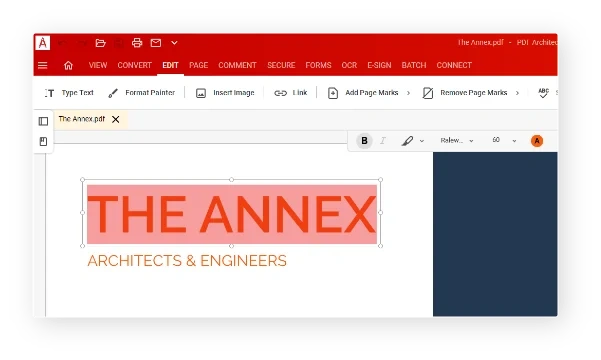
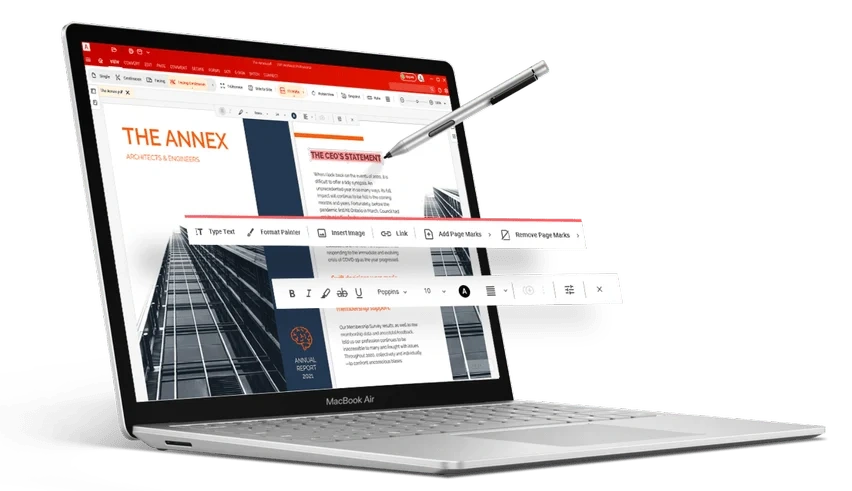
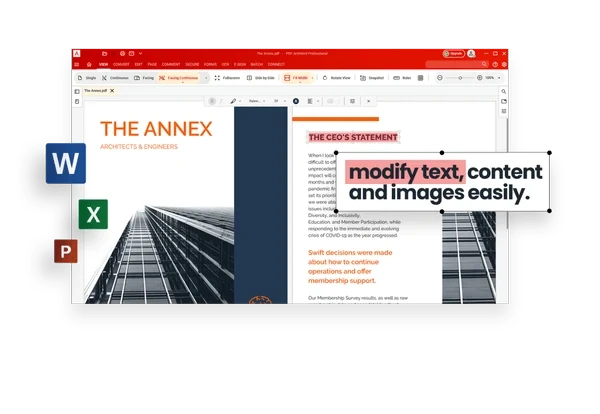
Edit PDF text and images, create hyperlinks, add watermarks to your PDF files and more.... PDF Architect's powerful Edit feature allows you to edit a PDF directly within your PDF file without the need to export it or copy the content to another format
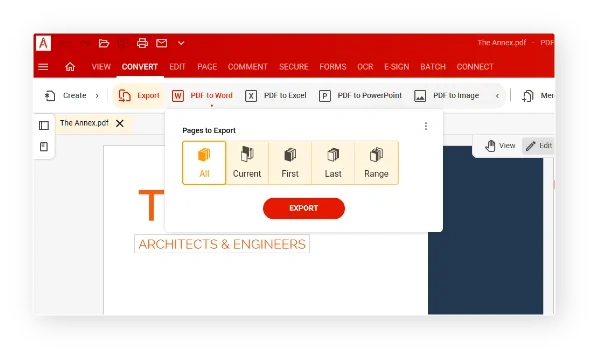
Convert PDF Files to Word, PDF to Excel, etc, +300 file types. Use our powerful Convert feature to instantly convert your PDF files into several popular file formats, for example you can convert from PDF to Word.
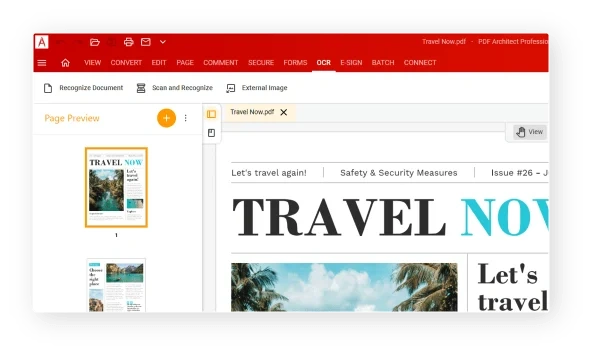
No more retyping: The Optical Character Recognition feature allows you to transform any PDF file, scanned document and image into a fully editable and searchable file. Use our OCR feature to unlock the text in a single document or increase your productivity and use the Batch Recognition feature to simultaneously recognize multiple files.
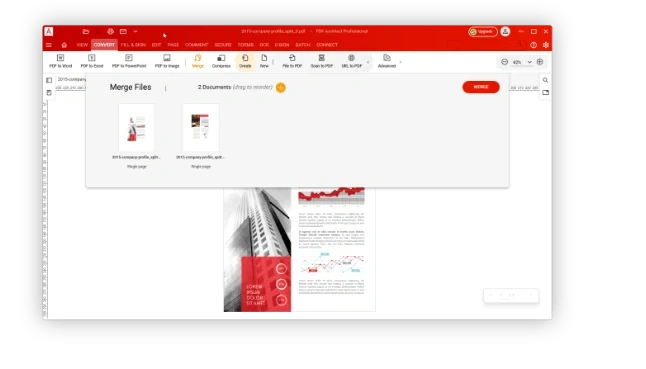
Just add the documents you wish to combine in one. PDF Architect lets you merge almost any kind of document (PDF, Word, Excel, Image…) into a single PDF file that you can edit as you like. Reorder the pages, add text and images, annotation.
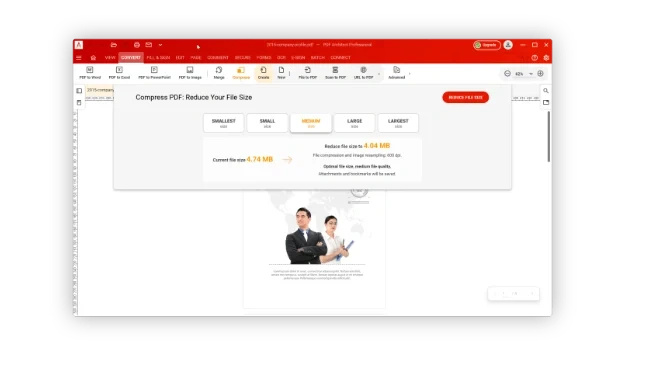
Easily compress your PDF files using the powerful PDF Architect compression feature. Just select the level of compression you want from smallest to largest then click compress to get your file compressed in seconds, ready to be sent by email, uploaded online or archive-ready!
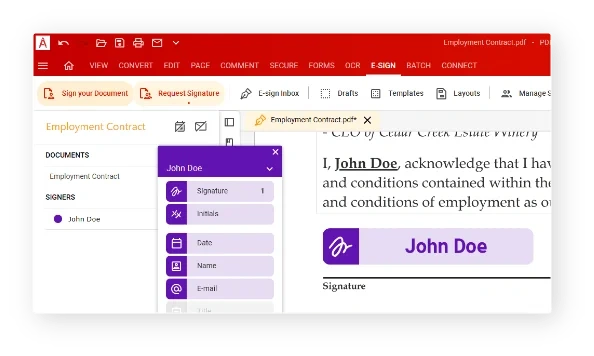
Whether you’re at the office or working from home, save time by switching to an electronic signature for your contracts, invoices and other important documents. Precisely define the workflow steps and persons involved in the e-sign process. A wide range of options allows you to adapt the process to your requirements. Monitoring of eSign process.
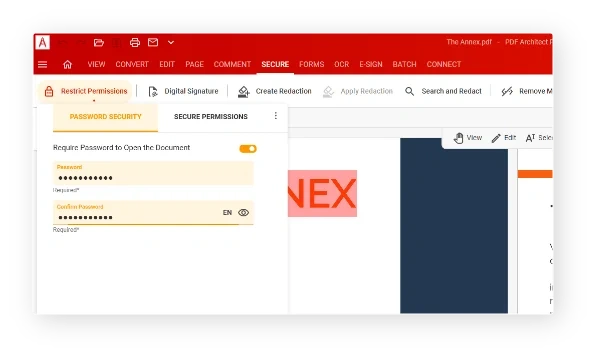
Protect PDF & Secure PDF digitally with passwords and permission levels with the Secure and Sign feature. Define which permissions users will get when opening your document. Protect your documents with our leading 256 bit AES encryption. Only your password will allow anyone to modify from this point. You can forbid to print the document, to copy content from the document and more. Adding a digital signature to your document verifies you as owner of the document
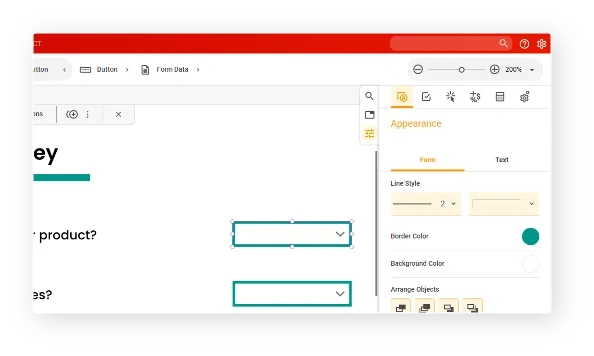
When you edit PDF files, PDF forms are a popular feature. With the PDF Forms feature of PDF Architect you can create beautiful, fillable PDF forms from scratch or fill in pre-designed ones as well. Create invoices, survey PDF forms and custom PDF form documents for any need.